 Storage Detective Storage Detective
Storage Detective is a Mac storage analyzer and cleaner that scans your disk, shows what's using your storage, and helps you safely find large files, duplicates, junk, and forgotten apps.
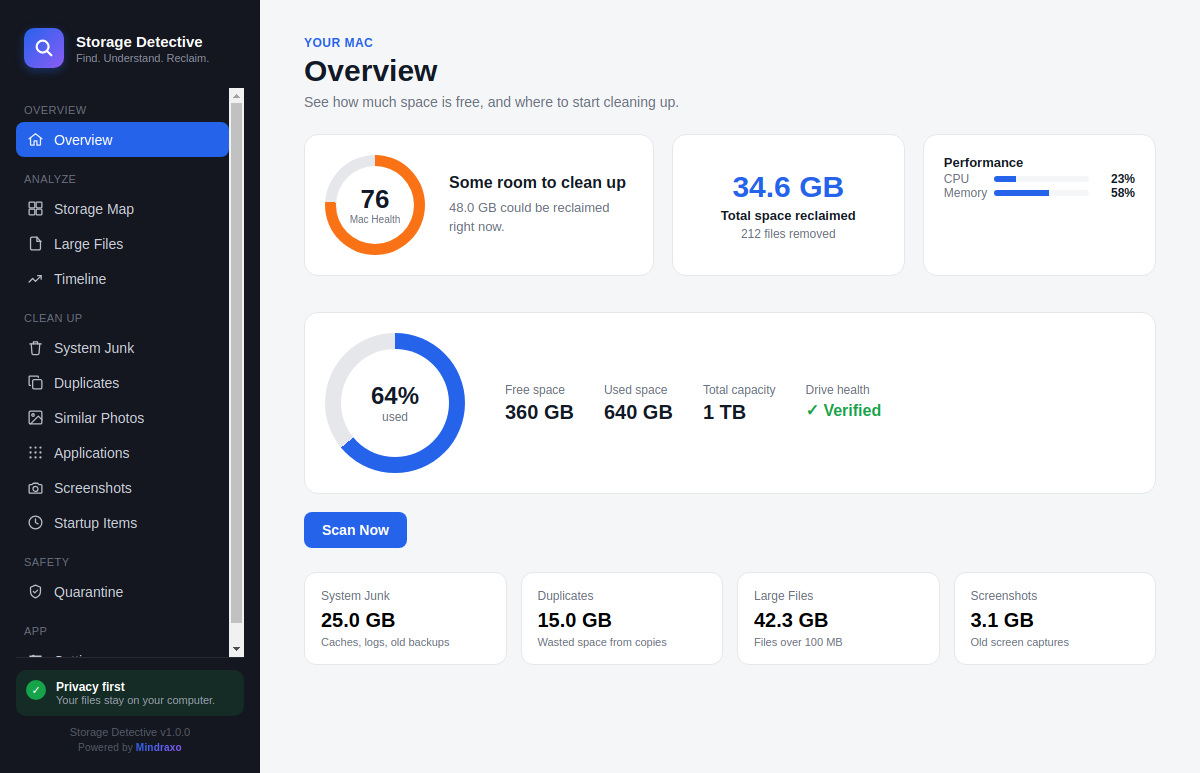
See what's using your Mac's disk space and use focused tools to find large files, duplicates, forgotten apps, and storage growth.
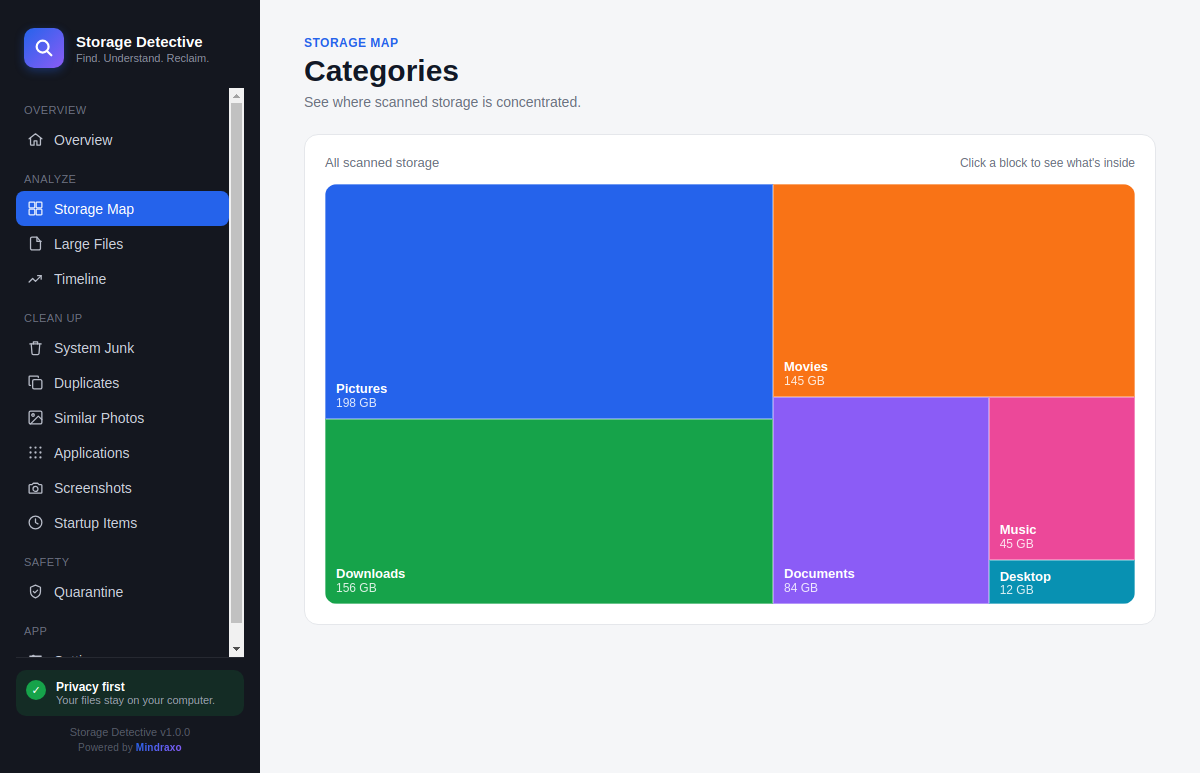
A visual map of your whole disk, grouped by folder. Click into any block to drill down until you find exactly what's taking up space — no guessing, no digging through Finder.
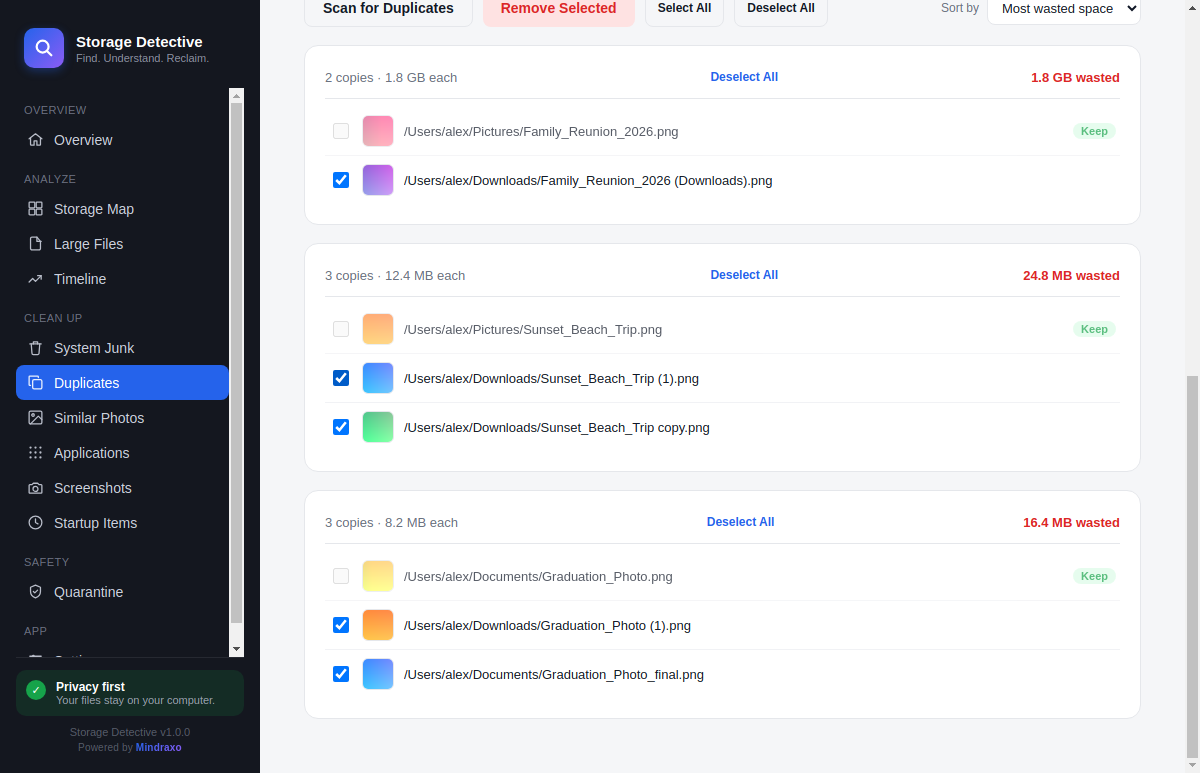
Byte-for-byte duplicate detection with real thumbnails, so you can see exactly what you're removing before you remove it. One file is always recommended to keep — you decide the rest.
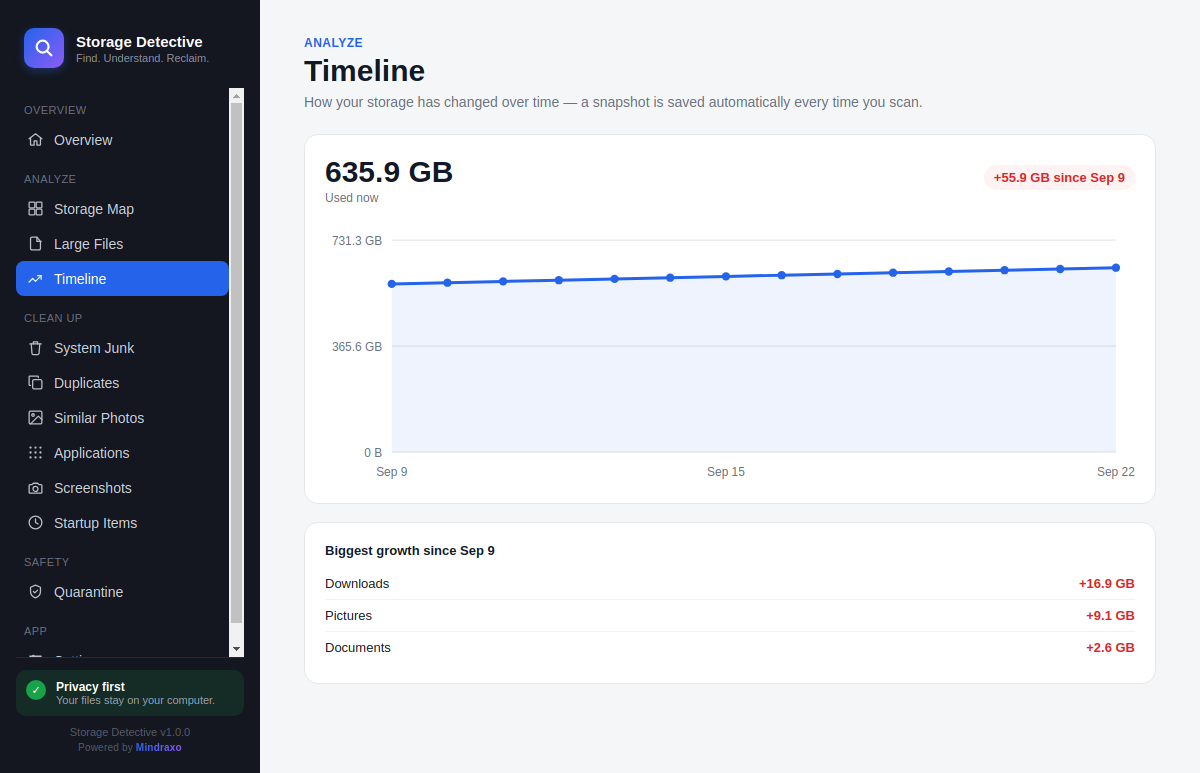
Every other cleaner shows you a snapshot. Storage Detective remembers — a growth chart of your disk usage over weeks, with a breakdown of exactly which folders grew and by how much.
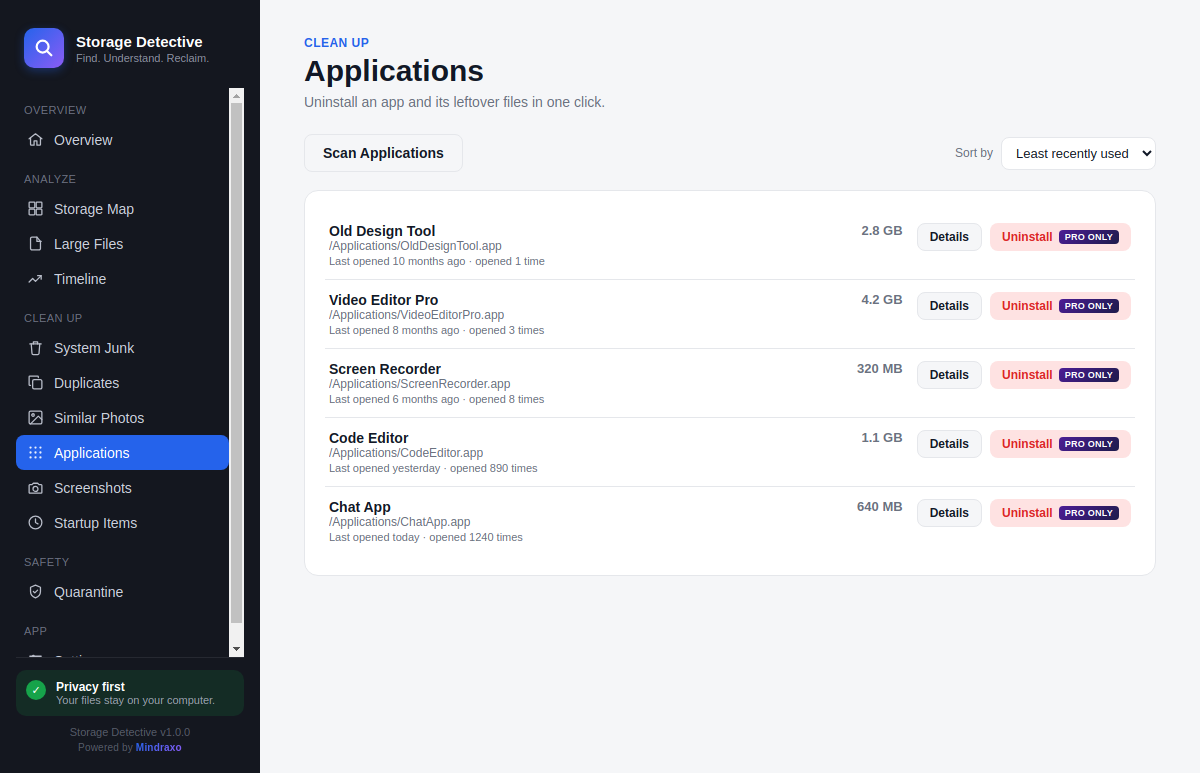
Sorted by when you actually last opened them — not file-modified date, which resets on every auto-update. One click removes the app and every leftover file it left behind.
No card needed to start. Cancel anytime — Pro is a normal monthly or yearly subscription.
Works on macOS. Choose whichever install method you're comfortable with — all three install the same app.
Storage Detective is a Mac storage analyzer and cleaner designed to help you understand what is using disk space and safely reclaim storage.
Storage Detective scans your disk and provides a visual storage map so you can drill down into folders and identify what is using your storage.
Yes. Storage Detective includes byte-for-byte duplicate detection with thumbnails so you can review duplicate files before deciding what to remove.
Storage Detective includes a Smart Uninstaller that helps you identify applications you no longer use and remove associated leftover files.
Yes. Storage Detective can be downloaded and used for storage scanning, with a 7-day trial of its cleaning tools.
Check the current system requirements provided with the latest Storage Detective release before installing.